 Kingfont

Snagit covers capture and recording. This page is only the switch to Shoverlay for the one job you opened this guide for. The yearly price is lower. Captures stay on your Mac. There is no Kingfont account and no usage tracking. No dollar amount is quoted here.
Switch that one job
- Install Shoverlay on the Mac App Store or download it here. It requires macOS 11.5 or later.
- Allow Screen Recording, quit Shoverlay, and open it again so the picker can see the screen.
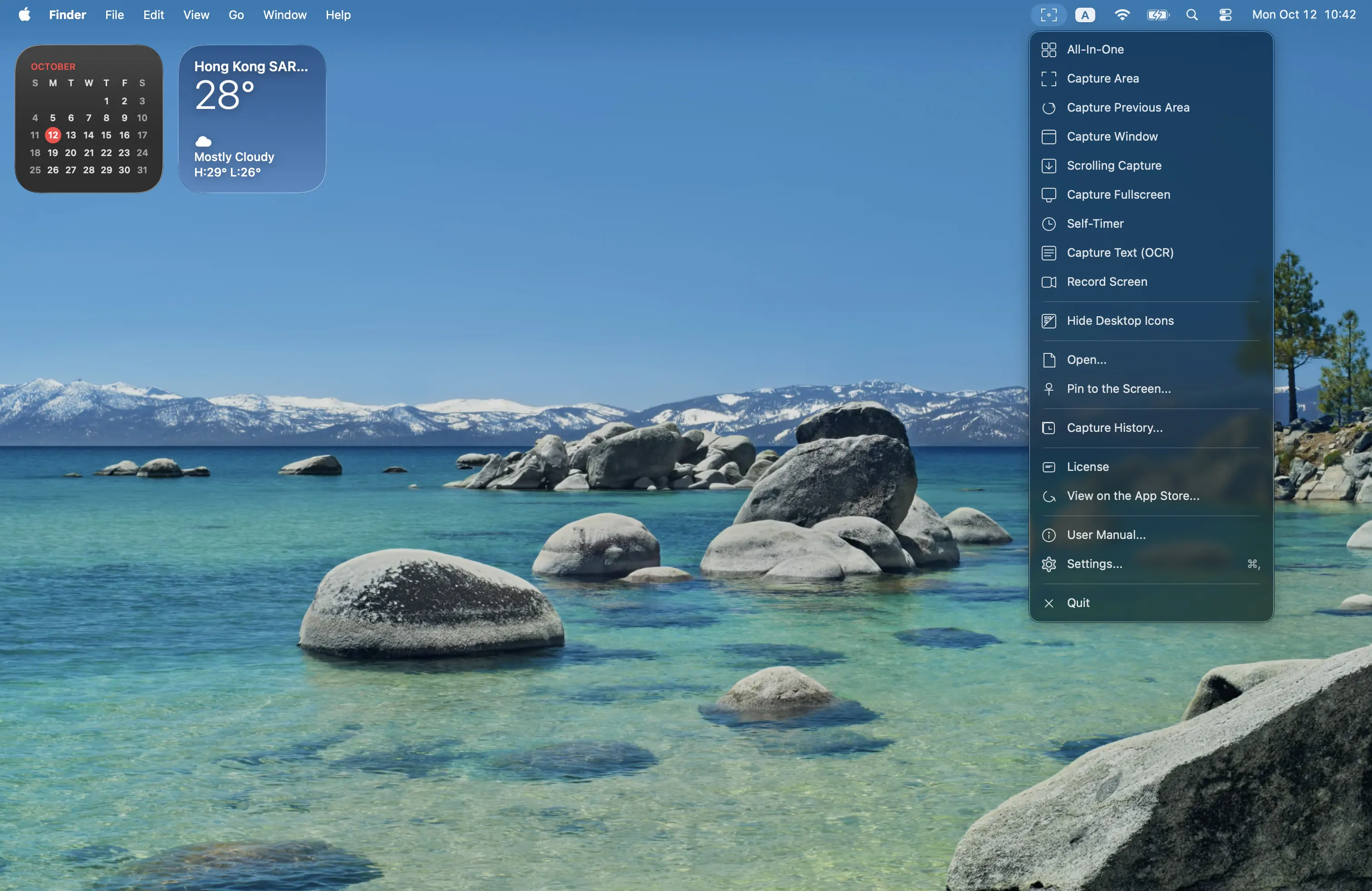
- Open the menu bar icon and pick only the mode you used Snagit for. Leave the other modes alone until a later task needs them.
- Take one capture or start one recording so you know the switch worked. Export or stop from Quick Access or the recording toolbar.
Open the matching guide
Run only the guide for the job you switched. Annotation, OCR, and recording options each have their own steps after the capture lands. You do not need to rebuild every Snagit preset on day one.
Related: Best CleanShot X Alternative · Choose one capture mode