 Kingfont

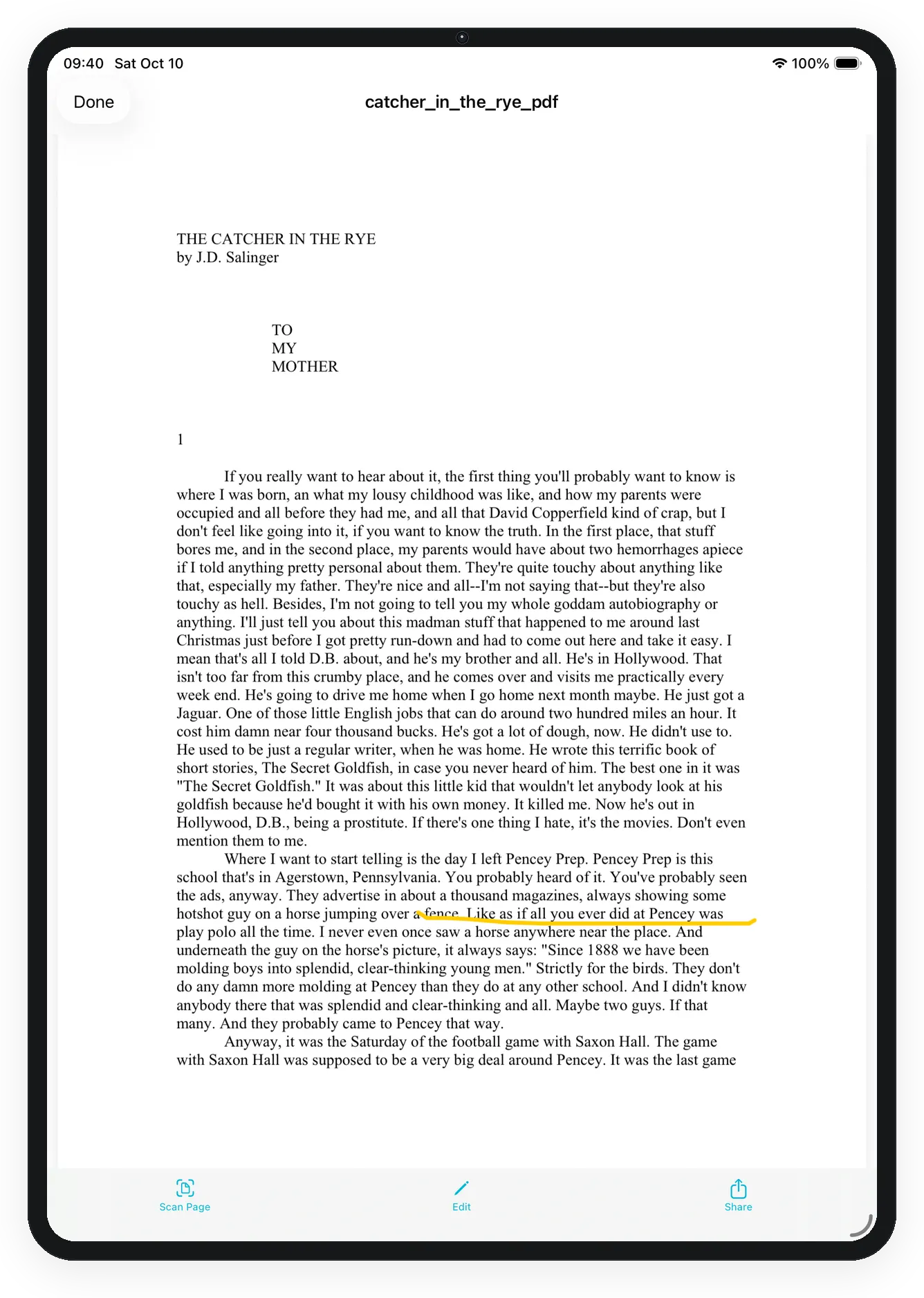
Preview shows the file. It does not read a table out of it. Extracting Excel from a PDF or a photo is a scan, and you only do that when the file is a table you need as cells. Use preview when you only need to read the page or check that the import landed correctly.
Open the file
- Get Tablune on the App Store if needed. It requires iOS 15.6 or later. 7-day trial.
- Find the file in Documents. List or grid is only the browsing view — switch either way before you open it.
- Tap a PDF to open it. Turn pages, then close when you are done reading.
- Tap a JPEG, PNG, HEIC, WebP, or GIF to preview the picture. Pinch to zoom if the text is small.
When preview is not enough
If the PDF or photo is a table you need as rows and columns, leave preview and run the scan. Fix any wrong cell in the grid before you export Excel. Sharing or zipping the file is a separate step after you trust the sheet.
Related: Pull a table out of the PDF · Switch list and grid · Import the file first